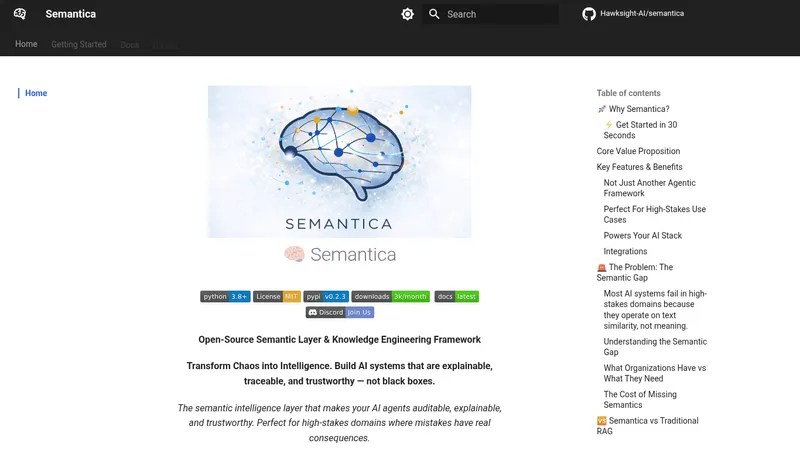
Semantica
hawksight-ai.github.io- Good for
- Builders, Businesses
- Category
- Development Tools
- Lets you
- Extract entities and relationships from documents into a knowledge graph
ds4sd.github.io
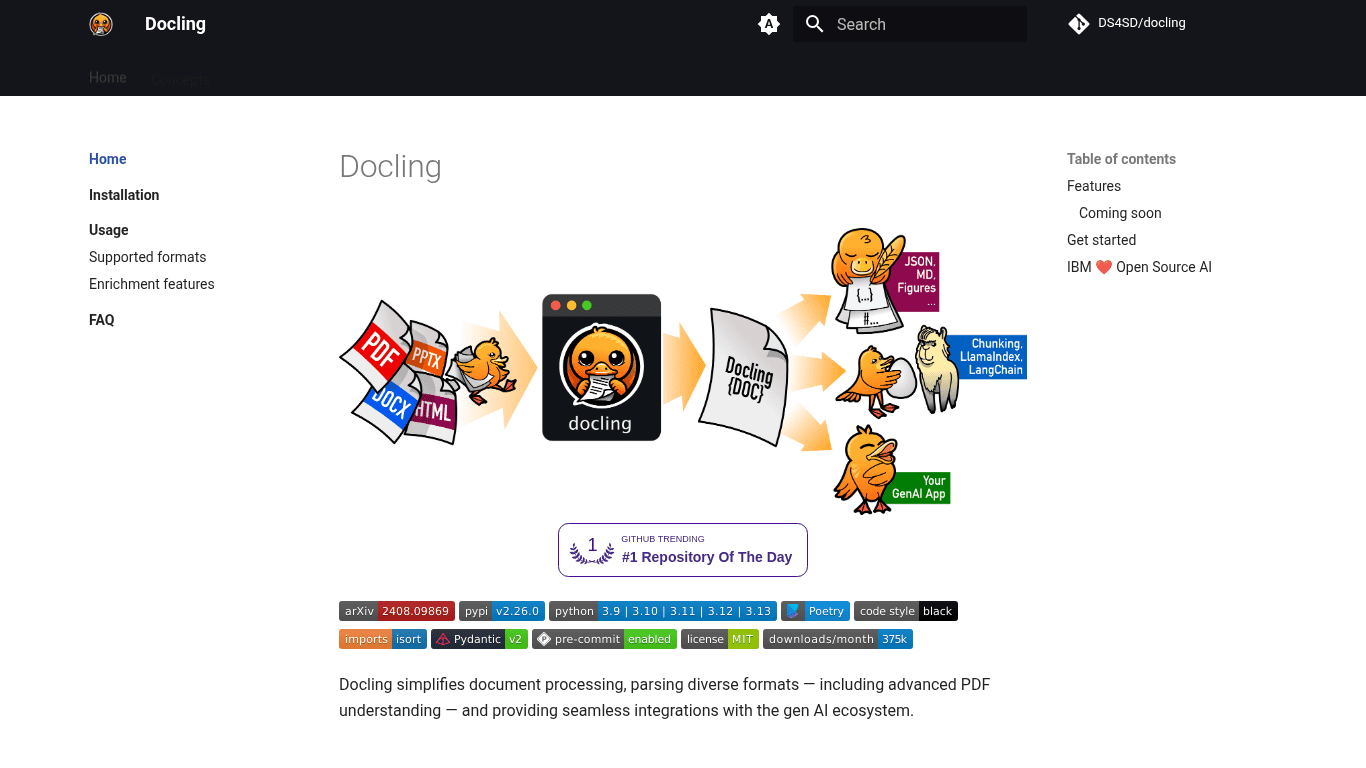
Docling is an open-source document processing toolkit that parses formats such as PDF, DOCX, XLSX, HTML and images, and exports the results to Markdown, HTML or JSON. It includes OCR support, a command-line interface and integrations with frameworks such as LangChain and LlamaIndex.
Visit website (opens in a new tab)Docling is an advanced document processing tool designed to simplify the extraction and manipulation of information from diverse document formats. It is particularly effective in parsing complex documents, including PDFs, DOCXs, XLSXs, and various image types, making it an essential tool for anyone dealing with large volumes of varied document types. The platform aims to integrate seamlessly with the generative AI ecosystem, enhancing productivity and data management capabilities.
Docling offers a range of features that elevate it above standard document processing tools:
Docling supports parsing multiple document formats, ensuring flexibility in handling various data types. It excels in processing PDFs, DOCXs, XLSXs, HTML, images, and more. This versatility is crucial for users who encounter different formats in their daily workflows.
With its advanced PDF understanding capabilities, Docling goes beyond merely reading text. It understands page layout, reading order, table structures, code, formulas, and even classifies images, making it suitable for intricate document processing tasks where structure matters.
Docling introduces a cohesive representation format called DoclingDocument. This format standardizes the way documents are represented within the system, promoting easy manipulation and interoperability.
Users can export data in various formats, including Markdown, HTML, and lossless JSON. This flexibility allows for easy integration of extracted data into other applications or platforms, ensuring users have the support for their specific documentation needs.
For users concerned about data privacy, Docling supports local execution capabilities, making it suitable for processing sensitive data in air-gapped environments. This feature addresses security concerns that many organizations face when handling confidential information.
Docling can easily integrate with various generative AI platforms such as LangChain, LlamaIndex, Crew AI, and Haystack. This makes it a powerful tool within AI-driven workflows, allowing users to leverage its capabilities for more complex tasks.
Docling features robust Optical Character Recognition (OCR) capabilities, enabling it to extract text from scanned PDFs and images. This feature is particularly valuable for digitizing historical documents or any paper-based information.
Docling also includes a simple and convenient Command-Line Interface (CLI) that makes it accessible for developers and advanced users who prefer scripting and automation.
Docling is continuously evolving and has several exciting features planned for future releases:
Docling provides several resources for new users interested in getting started:
Docling is particularly useful for:
Docling emerges as an indispensable tool for anyone requiring efficient document processing. With its extensive features, local execution capabilities, and planned future enhancements, it provides a robust framework for extracting and manipulating document data across varied environments. Its seamless integration with generative AI tools makes it a modern solution for current document processing challenges, supporting efficiency and productivity across many industries.
Ready to try it? Visit ds4sd.github.io (opens in a new tab)