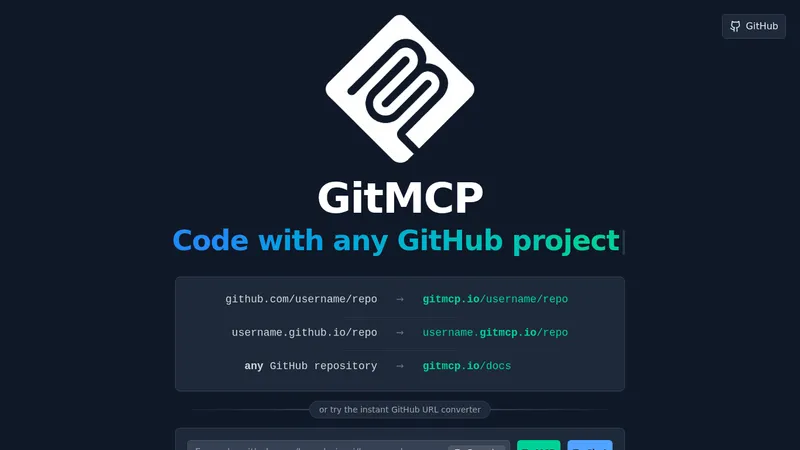
GitMCP
gitmcp.io- Good for
- Builders
- Category
- Development Tools
- Lets you
- Turn a GitHub repository URL into an MCP server URL
github.com
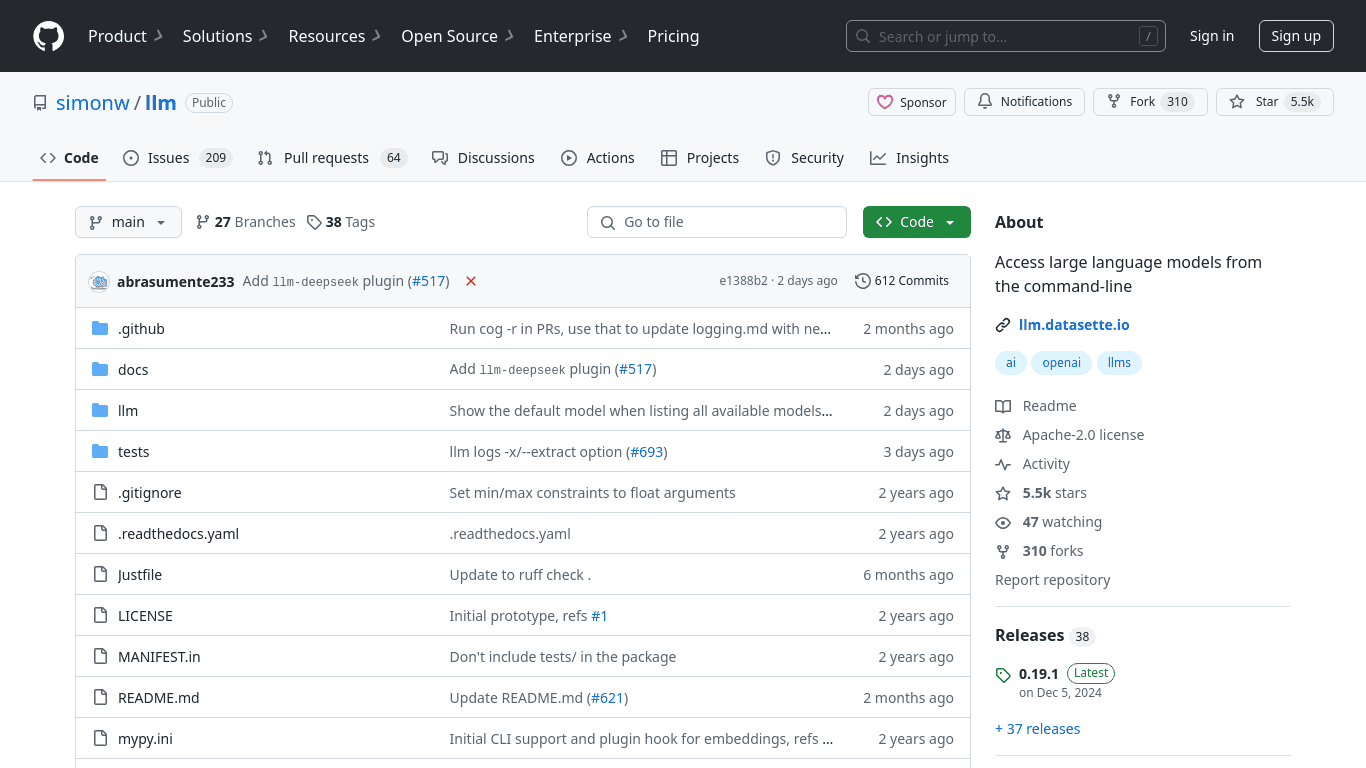
llm is a command-line utility and Python library for interacting with large language models. It runs prompts from the terminal, works with local and remote models, stores outputs in SQLite, and supports embeddings.
Visit website (opens in a new tab)The project, simonw/llm, is a command-line utility and Python library designed to facilitate the interaction with large language models (LLMs). It enables users to run sophisticated prompts from the terminal, access both local and remote models, and manage outputs efficiently by storing results in SQLite databases.
To install the llm utility, users can utilize pip or Homebrew, depending on their preference:
pip install llm
Or using Homebrew:
brew install llm
Users can begin leveraging the tool by first securing an OpenAI API key. To save the API key, you use the following command:
llm keys set openai
Once the key is set up, users can run prompts like so:
llm "Five cute names for a pet penguin"
This command would yield responses, demonstrating the model's ability to generate creative content.
The utility supports various plugins that allow users to run models directly on their machines. An example of this is installing the llm-gpt4all plugin, which offers access to multiple local models. Installation is straightforward:
llm install llm-gpt4all
To see available models after installation, the following command can be used:
llm models
For instance:
gpt4all: all-MiniLM-L6-v2-f16 - SBert, 43.76MB download, needs 1GB RAM
To interact with a specific model like Mistral 7B Instruct, execute:
llm -m mistral-7b-instruct-v0 'difference between a pelican and a walrus'
The tool also supports advanced commands, including system prompts. Users can provide context or instructions for the model's output using the -s/--system option. For example, to explain given code, a command may look like:
cat mycode.py | llm -s "Explain this code"
For assistance and to explore all functionalities, users can consult the help command:
llm --help
Alternatively, help can be accessed through Python:
python -m llm --help
The simonw/llm tool is a versatile and powerful utility for programmers, researchers, and enthusiasts interested in harnessing the power of large language models. Its command-line approach allows quick access to advanced AI generation and manipulation, making it valuable for a wide range of applications—from simple queries to complex language processing tasks.
By combining ease of use with powerful features, llm presents an accessible entry point for anyone looking to engage with AI-powered language models.
Ready to try it? Visit github.com (opens in a new tab)