Skip to content
The AI Database
Screenshot of AG-UI

AG-UI

docs.ag-ui.com

AG-UI is an open, event-driven protocol that standardizes how front-end applications communicate with AI agents. It supports real-time streaming of state updates, human-in-the-loop interaction and transports such as SSE, webhooks and WebSockets.

Visit website (opens in a new tab)

At a glance

Introduction to the Agent User Interaction Protocol (AG-UI)

Overview

The Agent User Interaction Protocol (AG-UI) standardizes the way front-end applications communicate with AI agents through an open protocol. This framework functions as a universal translator for AI-driven systems, enabling seamless communication regardless of the agent's underlying technology or language.

Purpose of AG-UI

AG-UI is geared towards enhancing the development of next-generation AI workflows that require:

  • Real-time interactivity: Users can engage with AI in a dynamic and interactive manner.
  • Live state streaming: Continuous updates can be shared between the front-end and back-end without any delay.
  • Human-in-the-loop collaboration: Facilitates effective partnerships between users and AI, encouraging joint problem-solving.

Key Benefits

  • AG-UI streamlines the integration of AI agents using frameworks like CopilotKit.
  • It provides essential building blocks to create an efficient communication wire protocol between humans and agents.
  • The protocol ensures best practices for interactive elements such as chat interfaces, streaming state updates, and shared state management among multiple users or agents.

Existing Integrations

AG-UI has formed partnerships with various popular agent frameworks, easing the integration process:

  • LangGraph: Develops agent-native apps with shared states and collaborative workflows.
  • CrewAI Flows: Implements sequential multi-agent workflows, enhancing process control.
  • CrewAI Crews: Establishes teams of collaborative agents with specific roles and communication methods.
  • Mastra: Utilizes TypeScript for robust, type-safe agent implementations.
  • AG2: Employs the open-source AgentOS for scalable and production-ready agent deployments.

These integrations facilitate a smoother connection between front-end applications and preferred agent frameworks via the AG-UI protocol.

Architecture

AG-UI functions on a lightweight, event-driven protocol. Its main components include:

  • Front-end application: Capable of communicating directly with agents or via a secure proxy.
  • AI Agents: Various agents that the front-end may directly contact or access indirectly through a proxy.
  • Secure Proxy: Acts as an intermediary routing requests securely from the front-end to multiple AI agents.

This architecture underpins a flexible and efficient connection mechanism between AI agents and user interfaces.

Technical Overview

The design of AG-UI is minimal and adaptable, allowing easy integration into various agent implementations. Key features include:

  1. Event-Driven Communication: Agents are required to generate one or more of the 16 standardized event types, creating a flow of updates that clients can respond to.

  2. Bidirectional Interaction: Agents can accept user inputs, promoting collaborative workflows where human users and AI agents can work alongside each other efficiently.

Middleware Compatibility

AG-UI includes a middleware layer that maximizes compatibility:

  • Flexible Event Structure: Events do not need to adhere strictly to the AG-UI format but must be compatible, permitting existing frameworks to undergo minor adaptations.
  • Transport Agnostic: AG-UI supports various event delivery methods, including Server-Sent Events (SSE), webhooks, and WebSockets, thus allowing developers to select the most fitting method for their architecture.

Comparison with Other Protocols

AG-UI focuses on the interaction layer between agents and users. Unlike other protocols, such as A2A (Agent-to-Agent) and MCP (Model Context Protocol), AG-UI specifically caters to the human-in-the-loop interactions and user interface updates.

  • AG-UI: Targets human interactions and real-time user interface communication.
  • A2A: Manages communication between agents.
  • MCP: Standardizes tool calls and context management among models.

These protocols serve different but complementary functions within the agent ecosystem.

Quick Start Guide

For developers wishing to implement AG-UI, several paths are available:

  • Building with AG-UI: Integrate events directly in your agent framework.
  • Connecting to AG-UI: Use existing protocols or customize solutions to integrate AG-UI into your applications.

Resources for Development

The platform offers extensive resources, including:

  • Documentation and guides to aid developers in implementing and optimizing AG-UI.
  • Tools to enhance development workflows and troubleshooting resources for common issues related to AG-UI servers and clients.

Conclusion

The Agent User Interaction Protocol (AG-UI) stands out as a crucial framework for facilitating effective communication between AI agents and users. By providing a standardized approach to integration, supporting real-time interactivity, and ensuring compatibility with other frameworks, AG-UI meets the demands of modern AI applications.

Target Audience

AG-UI is particularly useful for:

  • Developers and engineers looking to enhance user experiences in AI-driven applications.
  • Organizations aiming to implement AI workflows that necessitate real-time interactions and human collaboration.
  • Researchers and data scientists working on projects that involve complex AI systems requiring seamless integration with user interfaces.

With its flexible architecture and expansive integration opportunities, AG-UI provides the foundation necessary for the next generation of intelligent applications.

Ready to try it? Visit docs.ag-ui.com (opens in a new tab)

  • Screenshot of The Companion

    The Companion

    thecompanion.sh
    Good for
    Builders
    Category
    Development Tools
    Lets you
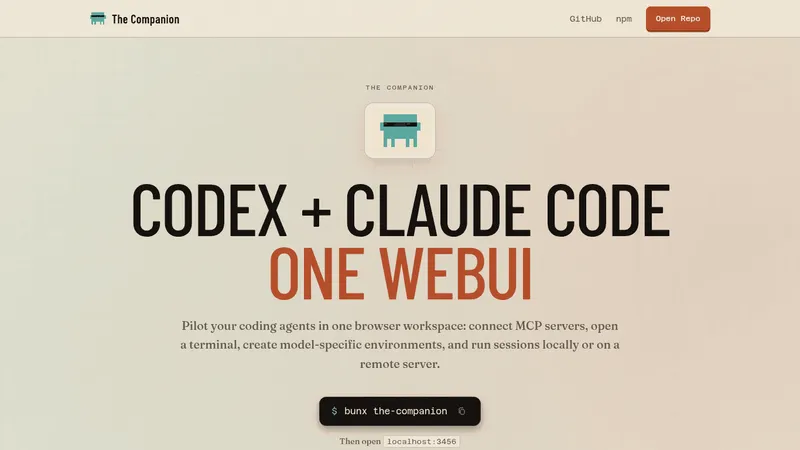
    Run several Claude Code and Codex sessions in one browser workspace
  • Screenshot of The Agent Skills Directory
    Category
    Development Tools
    What it does
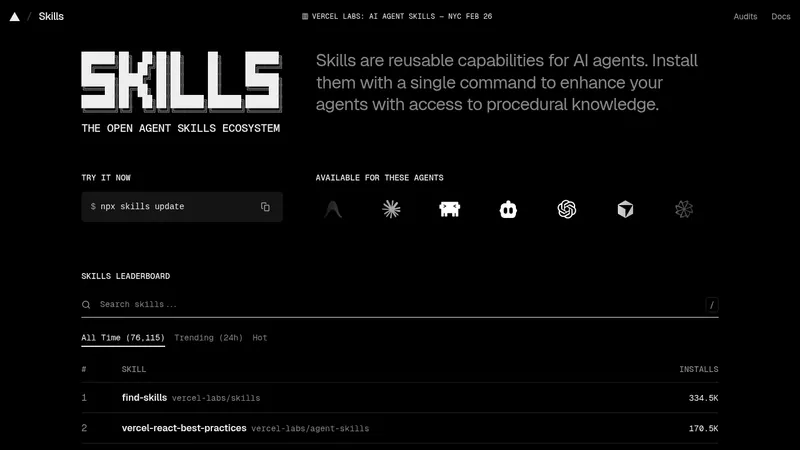
    A platform for discovering and installing reusable skills that extend AI agents such as Claude Code, Cursor and Codex. Skills are added with a single command, and a leaderboard ranks skills by install counts.
  • Screenshot of CopilotKit

    CopilotKit

    copilotkit.ai
    Category
    Development Tools
    What it does
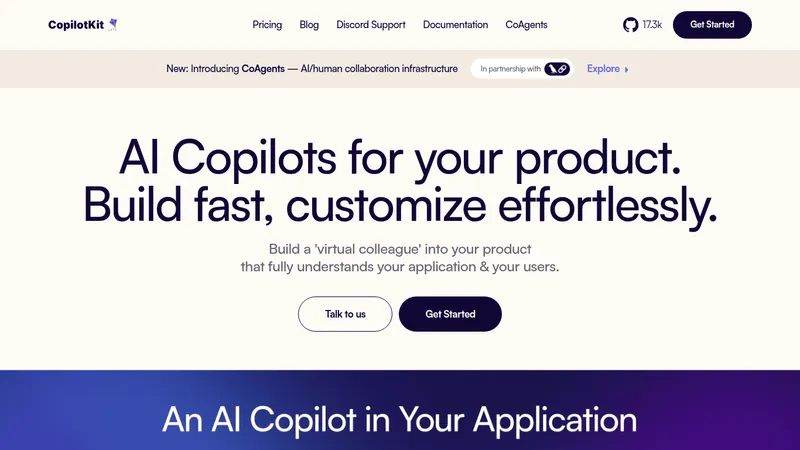
    CopilotKit is a platform for embedding AI copilots into software products, with prebuilt React components such as CopilotChat and CopilotPopup. It lets developers give copilots access to application data, allow them to perform actions, and support agents built with LangChain and LangGraph.
  • Screenshot of Mastra

    Mastra

    mastra.ai
    Category
    Development Tools
    What it does
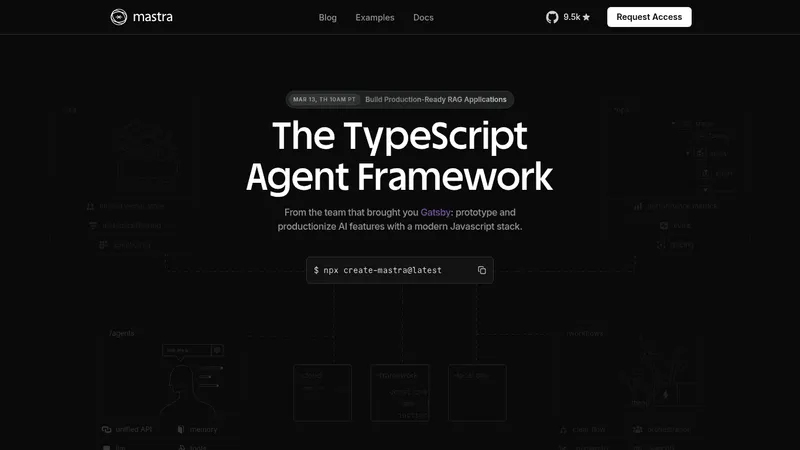
    Mastra is an open-source TypeScript framework for building and deploying AI agents, workflows, and applications. It provides tools for agent creation, memory, tool calling, RAG, and evaluation within a JavaScript/TypeScript stack.