The Companion
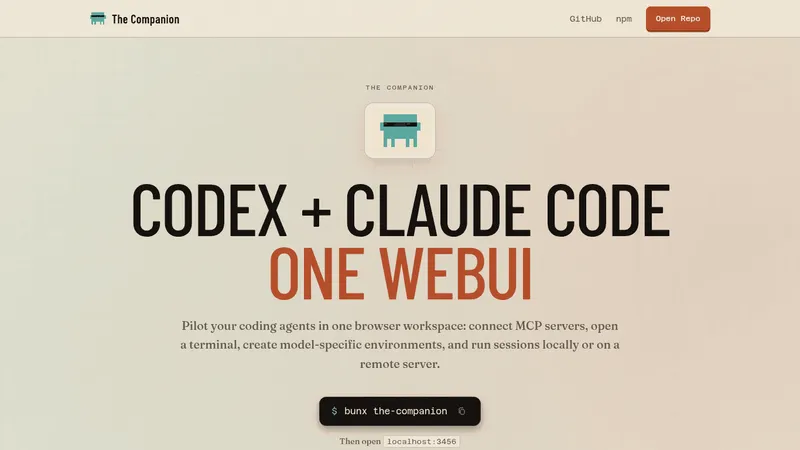
thecompanion.sh- Good for
- Builders
- Category
- Development Tools
- Lets you
- Run several Claude Code and Codex sessions in one browser workspace
block.github.io
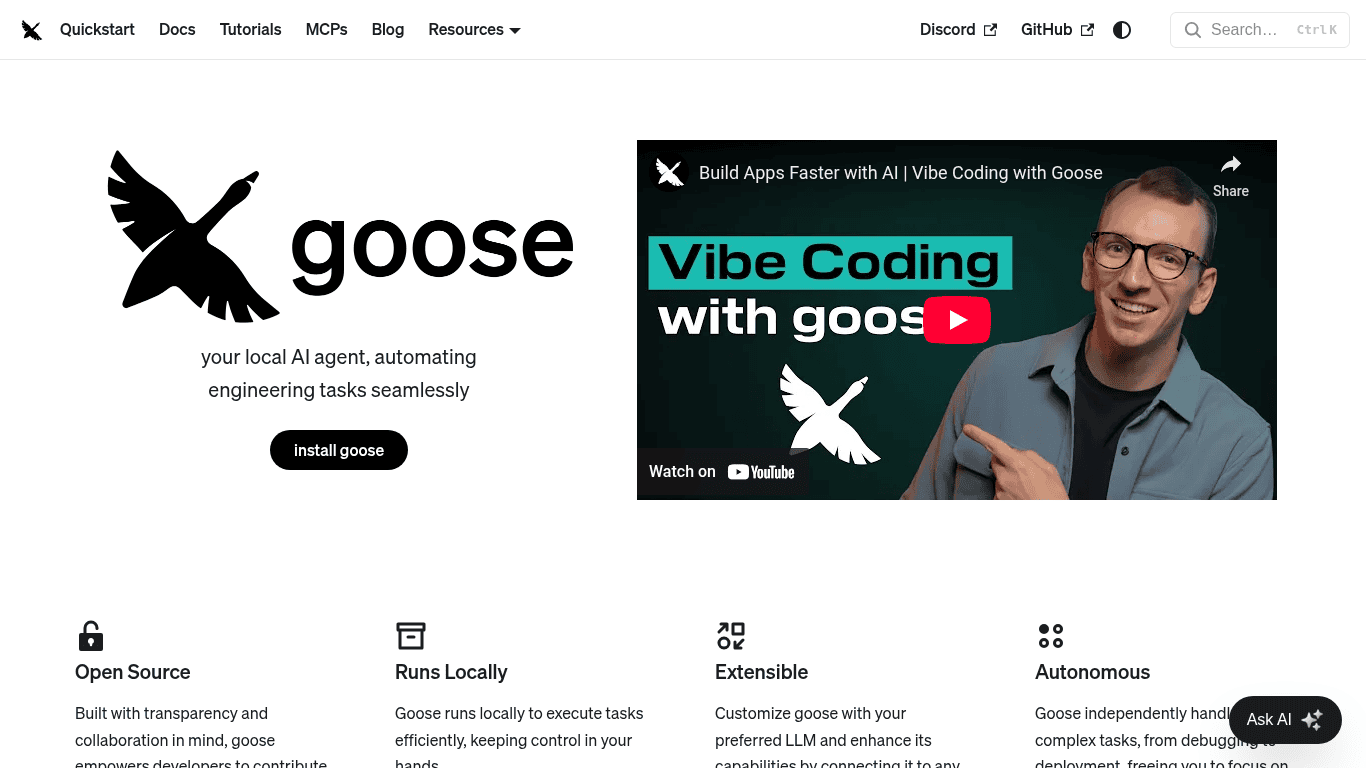
An open-source AI agent that runs locally and automates engineering tasks like debugging.
Visit website (opens in a new tab)Goose is an open-source AI agent designed to automate a variety of engineering tasks efficiently and effectively. The platform empowers developers to streamline their workflows and enhances productivity, freeing them to focus on more critical aspects of their projects. With its transparency, flexibility, and robust capabilities, Goose is a valuable asset for software engineers looking to optimize their development processes.
One of the standout qualities of Goose is its open-source nature. This aspect fosters a community-driven environment where developers can contribute, customize, and innovate. With access to the source code, users can tailor Goose to fit specific requirements and utilize the software in a manner that perfectly suits their individual or team needs.
Goose executes tasks locally, which means users retain control over their environment and data. By running locally, Goose ensures that sensitive information remains secure, while still performing tasks quickly and efficiently. This feature is especially beneficial for developers who need to run processes without depending on external servers, thus enhancing both speed and privacy.
Users can customize Goose by integrating their preferred Language Model (LLM), which allows for a tailored experience based on the programming languages and technologies they use. Additionally, Goose supports connections with any external MCP (Machine Control Protocol) server or API, greatly expanding its functionality. This extensibility makes Goose adaptable to various workflows and projects.
Goose acts autonomously, handling complex tasks such as debugging, code deployment, and more. This autonomy allows developers to shift their focus to the bigger picture without getting bogged down by routine and repetitive engineering tasks. By automating these processes, Goose proves its worth as a facilitator of productivity.
Goose has garnered favorable feedback from numerous engineers who have experienced significant improvements in their workflow through its use. Here’s what some of them have to say:
Prem Pillai, a Software Engineer, expressed his delight in using Goose, feeling empowered and motivated throughout his engineering activities.
Jarrod Sibbison shared a specific situation where Goose helped him simulate a complex API request, highlighting the software's responsiveness and adaptability to handle new tasks.
Manik Surtani, the Head of Open Source, mentioned he efficiently created Google Scripts to improve calendar management in under an hour with Goose's assistance, underscoring its effectiveness in automating mundane tasks.
Andrey Bolduzev, an Android Engineer, recounted how Goose drastically cut down the time spent on a localization task, showcasing its efficiency and potential for time savings.
Lily Delalande found Goose particularly helpful while creating a custom command for a CLI library, facilitating her understanding and execution of a task she initially found daunting.
Rizel Scarlett, a Developer Advocate, shared a personal experience where Goose enabled her to quickly build a Google Docs extension for her sister, illustrating how accessible and helpful Goose can be for non-engineering tasks too.
Goose is an incredibly useful tool for a diverse range of users, especially software engineers and developers. It bridges the gap between complex engineering tasks and efficient automation, enabling users to reclaim their time and focus on what truly matters. Its open-source nature promotes community engagement, encouraging collaboration and innovation. With features like local execution, extensibility, and autonomous task management, Goose stands as a formidable asset in any developer's toolkit.
By simplifying intricate engineering tasks—be it debugging, code generation, or API interaction—Goose proves to be a transformative tool that not only enhances productivity but also sparks creativity among its users. Whether you are a seasoned software engineer or someone just starting out in tech, Goose equips you with the necessary tools to excel in your engineering journey.
Ready to try it? Visit block.github.io (opens in a new tab)