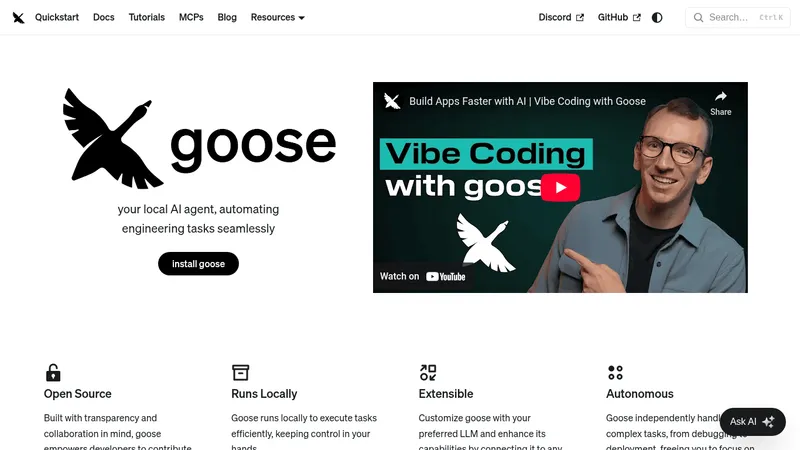
Goose
block.github.io- Good for
- Builders
- Category
- AI Agents
- Lets you
- Automate engineering tasks such as debugging and code deployment
opencode.ai
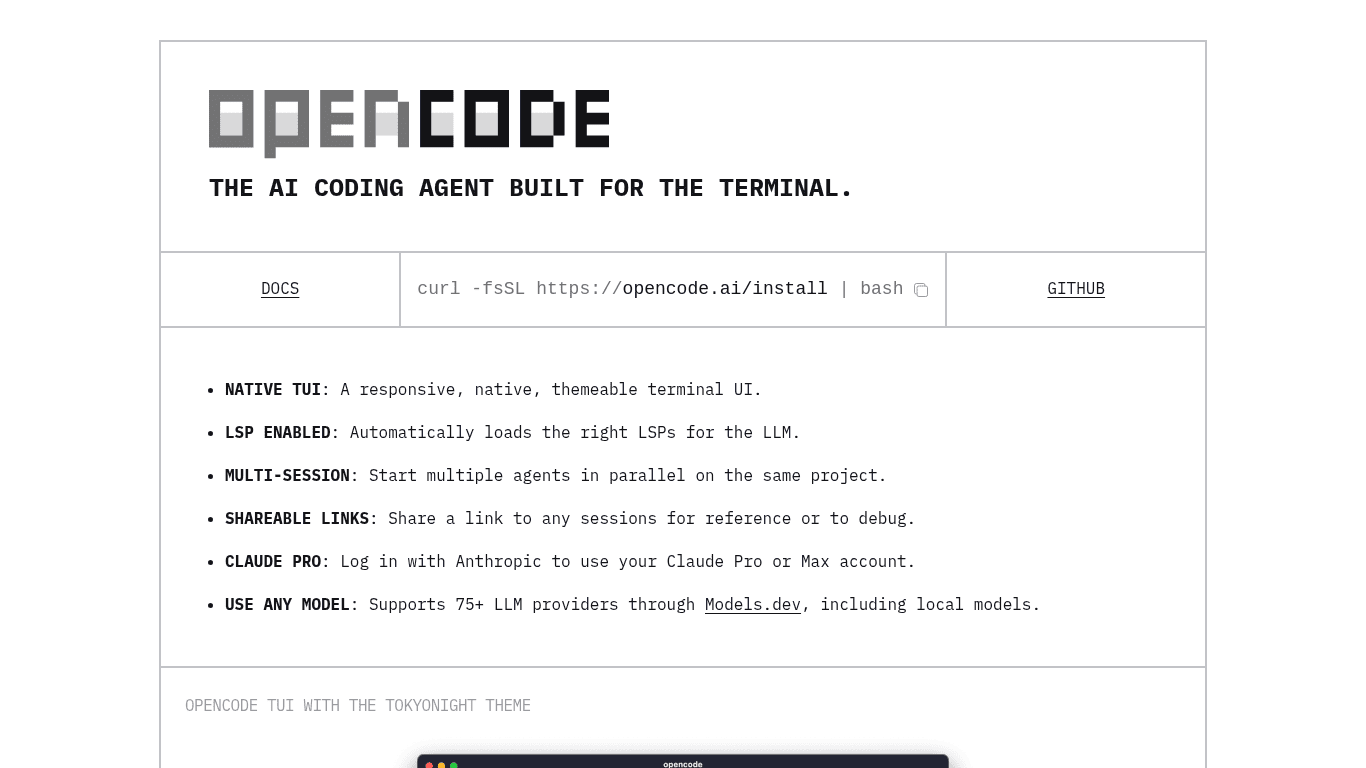
OpenCode is an AI coding agent that runs in the terminal, offering a themeable text user interface, parallel coding sessions and shareable session links. It connects to many language model providers, including local models and Claude Pro or Max accounts.
Visit website (opens in a new tab)OpenCode is an innovative AI coding agent designed for terminal users. It aims to enhance developers' productivity by utilizing advanced language models to assist with coding tasks directly from the command line.
OpenCode comes with several unique features tailored to streamline the development process:
The platform offers a responsive and themeable Text User Interface (TUI), catering to individual user preferences. This native interface enhances user engagement, making coding simpler and more visually appealing.
OpenCode automatically detects and loads the appropriate Language Server Protocols (LSPs) for the large language models (LLMs) being utilized. This feature ensures that developers have the right tools for coding in different programming languages, improving the efficiency of coding tasks.
Users can run multiple coding agents in parallel within the same project. This capability enables developers to multitask effectively, working on different aspects of their projects simultaneously, which can significantly speed up the development process.
OpenCode allows users to generate shareable links to any of their sessions. This functionality is particularly useful for collaborative work, as it enables team members to reference or debug any coding session easily.
For users who have an Anthropic account, OpenCode offers seamless integration with Claude Pro and Max. By logging in, users can leverage the capabilities of Claude Pro directly within the terminal, providing access to advanced coding assistance.
OpenCode supports over 75 large language model providers through Models.dev, including the ability to utilize local models. This extensive compatibility makes it a flexible tool for developers, as they can choose models that best fit their specific needs and projects.
To get started with OpenCode, users can effortlessly install it via a simple command:
curl -fsSL https://opencode.ai/install | bash
This straightforward installation process ensures that developers can quickly integrate OpenCode into their workflow without complex setups.
OpenCode features a visually striking design, including various themes such as the popular TokyoNight theme. The aesthetic appeal of the terminal UI can enhance the user experience, making coding an enjoyable task.
OpenCode is particularly useful for:
Software Developers: Developers looking for a responsive and efficient coding environment will find OpenCode beneficial. Its integration with popular LLMs makes it a powerful tool for assistance in coding projects.
Collaborative Teams: The shareable links feature allows team members to collaborate more effectively. Teams can share code snippets, review each other’s work, and debug issues collectively, improving overall project quality.
AI Enthusiasts: Individuals interested in AI and coding can explore various LLMs supported by OpenCode, giving them insights into how AI can assist in programming tasks.
Freelancers and Entrepreneurs: Freelancers developing various projects may find the multi-session feature particularly valuable for managing multiple clients simultaneously.
OpenCode revolutionizes the coding experience by integrating advanced AI capabilities within the terminal environment. Its features make it a versatile tool for developers, enhancing productivity, collaboration, and efficiency. By supporting numerous coding languages and providing a user-friendly interface, OpenCode is poised to become an essential tool for anyone passionate about coding and software development.
Ready to try it? Visit opencode.ai (opens in a new tab)