Skip to content
The AI Database
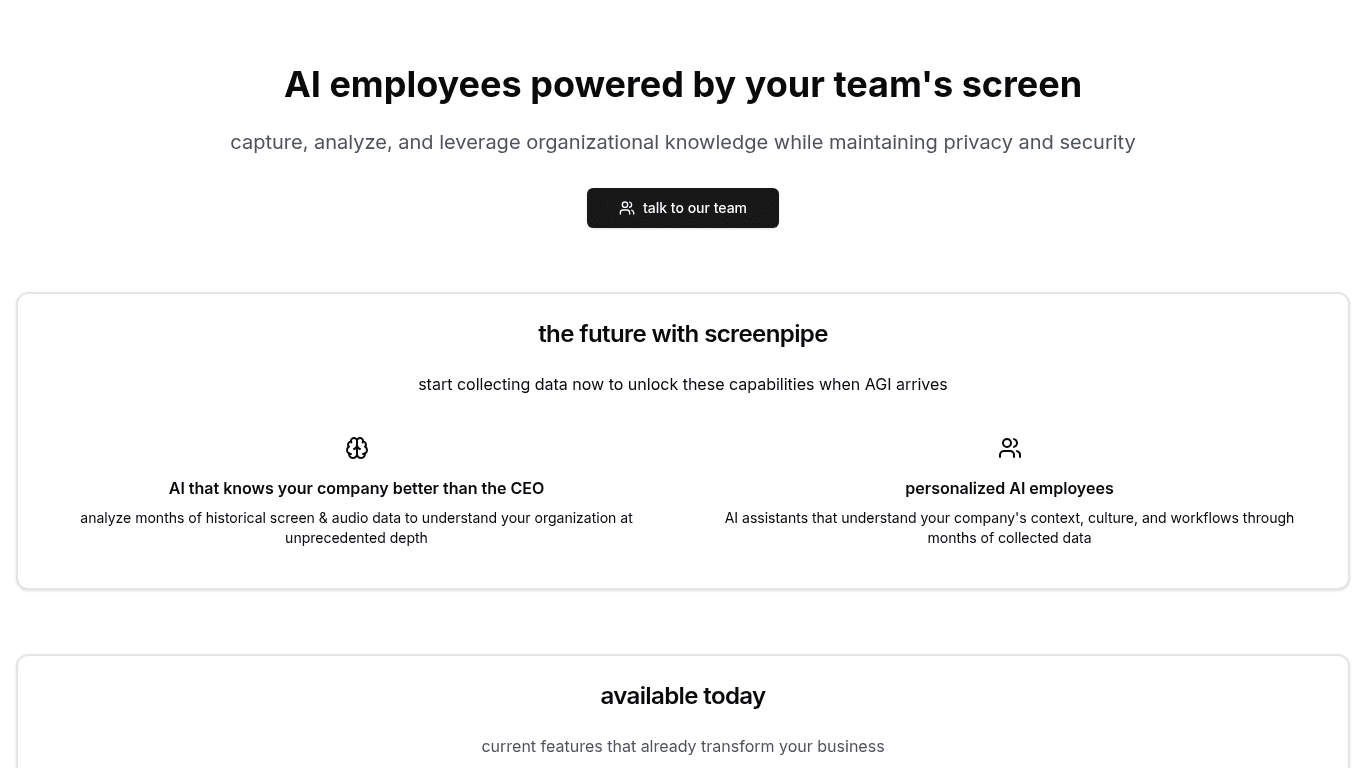
Screenshot of Screenpipe

Screenpipe

screenpi.pe

Screenpipe is a desktop application that continuously records screen activity, audio and UI elements, extracting text and transcribing speech into a local SQLite database. It also provides a developer platform for building AI assistants and pipes that draw context from that desktop history.

Visit website (opens in a new tab)

At a glance

Screenpipe: AI App Store Powered by 24/7 Desktop History

Overview

Screenpipe is an advanced AI application platform designed to securely capture, search, and analyze screen and audio activities across various organizations in real time. With functionalities tailored for engineers, businesses, and personal use, it empowers users by providing detailed insights into their desktop activities without compromising data security.

Key Features

Comprehensive Activity Recording

Screenpipe records screen activity, audio, UI elements, and interactions continuously, ensuring a complete history of user engagements. This data is crucial for analytics and optimizing workflows.

Storage and Analysis

The application extracts text from screen captures and transcribes audio, storing this information locally in a SQLite database, thereby maximizing data security and speed.

AI Integration

Screenpipe is compatible with embeddings and retrieval-augmented generation (RAG) pipelines. It supports local language models (LLMs) via Ollama and serves as a proxy for OpenAI and Anthropic.

User-friendly Deployment

Screenpipe allows users to deploy Next.js applications directly to their desktops, eliminating the need for cumbersome wrappers. Developers can leverage it as both a desktop app platform and a backend library.

Use Cases

  • AI Assistants: Create intelligent assistants that draw context from desktop activities.
  • Search Tools: Develop powerful search mechanisms to index and retrieve desktop data efficiently.
  • Workflow Optimization: Utilize the data to enhance and streamline user workflows.

Target Audience

Screenpipe serves a varied user group:

  • Engineers and Developers: Who need to track user activities and integrate desktop context into applications.
  • Business Users: For optimizing customer relationship management (CRM) and generating documentation automatically based on user interactions.
  • Personal Users: Individuals looking to enhance productivity by tracking their daily activities and improving work habits.

Rapid Deployment Steps

To get started with Screenpipe, users can follow these steps:

  1. Install the Screenpipe Library:

    • For Linux and macOS: Use the command $curl -fsSL get.screenpi.pe/cli | sh.
    • For Windows, download the installation package.
  2. Download the Screenpipe App:

    • Users will receive a download link for the app, along with updates.
  3. Create Your Application:

    • Bootstrap your application using the command: $bunx @screenpipe/create-pipe@latest.
  4. Deploy Locally:

    • Run locally on the Screenpipe desktop using the command: $screenpipe pipe install <path or url>.

##Challenges Addressed

Screenpipe tackles several challenges faced in cross-platform application development:

  • Native API Management: Simplifies working with the different operating system APIs and their specific permissions.
  • Performance Optimization: Balances resource usage during continuous recording while maintaining real-time processing efficiency.
  • Data Handling: Implements effective video compression and structured data storage, including data deduplication techniques.
  • Speech and Optical Character Recognition (OCR): Integrates and optimizes OCR engines for multiple languages and real-time speech processing.
  • Vector Search Infrastructure: Designs efficient storage and retrieval systems for embeddings with a focus on speed and memory efficiency.

Developer Testimonials

Feedback from developers highlights Screenpipe's positive impact:

  • Sam Stowers (Weights & Biases): "Screenpipe saved me months of development time building desktop context for my AI agent."

  • Mike Bird (Open Interpreter): "I could easily combine the Screenpipe library with my productivity app."

  • Kyle Morris (Founder of Banana.dev): "The API is simple, and the deployment is in seconds."

Real-world Applications

Many organizations are actively leveraging Screenpipe for various applications:

  • Sales and CRM: Companies have reported a 20% increase in customer revenue due to automated CRM updates.
  • Documentation Creation: Engineering teams are using the tool to automatically generate documentation, which has been recognized as a significant time-saver.
  • Content Creation: Creators are utilizing Screenpipe to automate AI-powered content generation, resulting in increased engagement on social media platforms.

Conclusion

Screenpipe is a versatile platform that offers a comprehensive solution for capturing, analyzing, and optimizing desktop activities. It stands out with its focus on security, ease of integration, and practical applications across a spectrum of fields, making it an invaluable tool for businesses and individuals alike looking to enhance productivity and workflow efficiency. Whether you are a developer, a business owner, or just someone wanting to streamline your daily tasks, Screenpipe brings powerful features to enhance your productivity through AI-driven insights.

Ready to try it? Visit screenpi.pe (opens in a new tab)

  • Screenshot of Goose

    Goose

    block.github.io
    Good for
    Builders
    Category
    AI Agents
    Lets you
    Automate engineering tasks such as debugging and code deployment
  • Screenshot of The Companion

    The Companion

    thecompanion.sh
    Good for
    Builders
    Category
    Development Tools
    Lets you
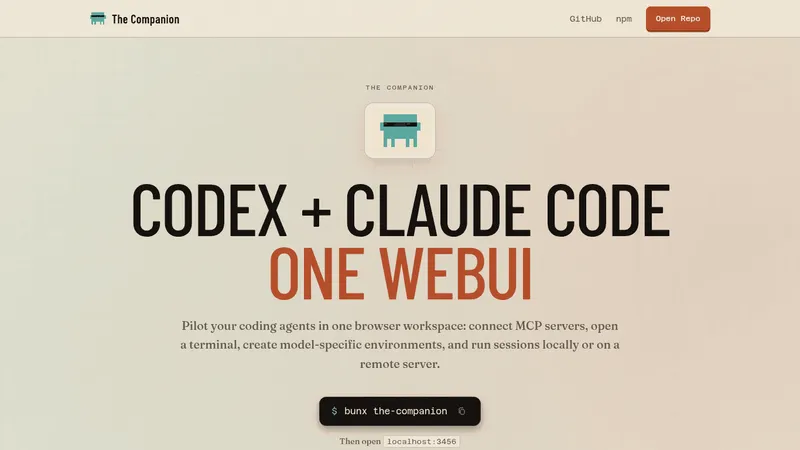
    Run several Claude Code and Codex sessions in one browser workspace
  • Screenshot of The Agent Skills Directory
    Category
    Development Tools
    What it does
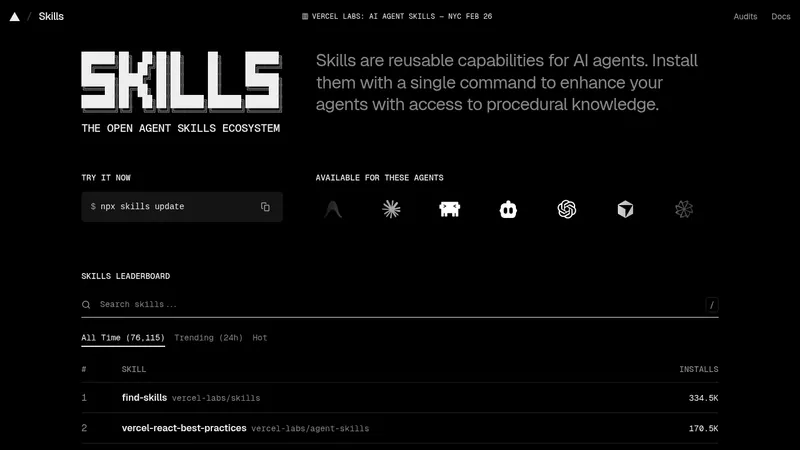
    A platform for discovering and installing reusable skills that extend AI agents such as Claude Code, Cursor and Codex. Skills are added with a single command, and a leaderboard ranks skills by install counts.
  • Screenshot of ScreenEnv

    ScreenEnv

    huggingface.co
    Category
    Development Tools
    What it does
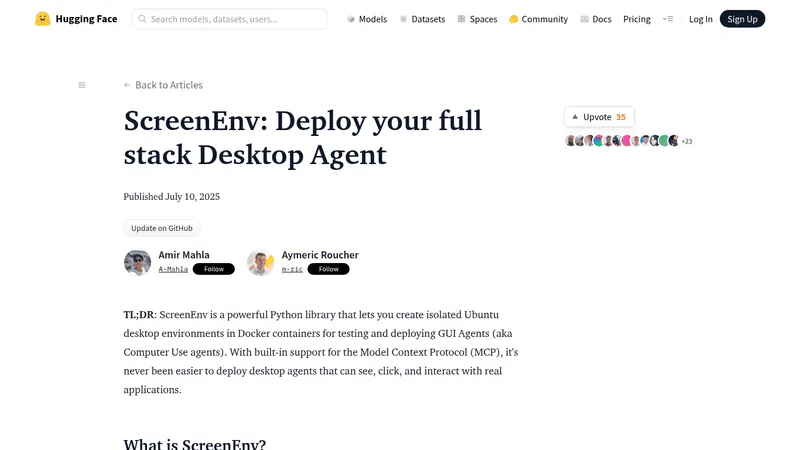
    ScreenEnv is a Python library for creating isolated Ubuntu desktop environments inside Docker containers. It lets developers and researchers build and test GUI agents that control the mouse, keyboard, windows, files and terminal, through a Direct Sandbox API or an MCP server.